Editing a Network
2 min
Summary: How to edit a network in the Ivanti Neurons platform.
You must have the IAM privilege Network Control to edit a network.
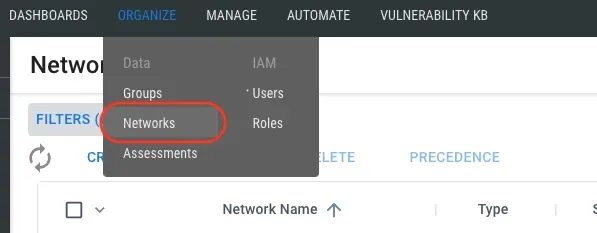
To edit a network, navigate to the Organize > Networks page.
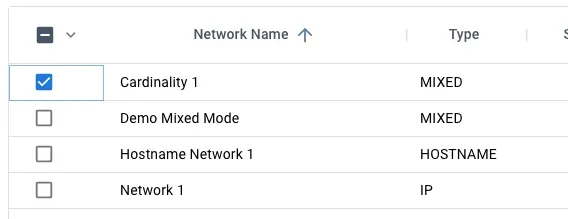
Select the network to edit by clicking the check box in the list view's first column. You may select only one network at a time for editing.
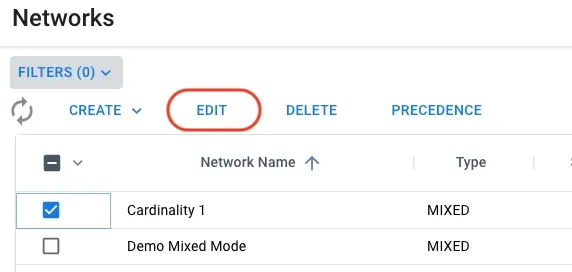
After selecting a network, click the Edit button at the top of the list view.
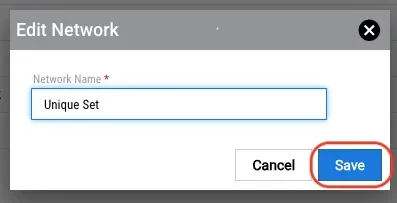
In the Edit Network dialogue, update the network name and click the Save button.