
Deleting a Host
2 min
Summary: How to delete a host in Ivanti Neurons RBVM/ASPM/VULN KB.
To delete a host, you must have the IAM privilege Host Control.
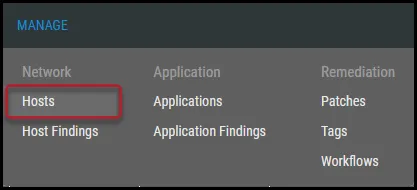
To delete a host, navigate to the Manage > Hosts page.
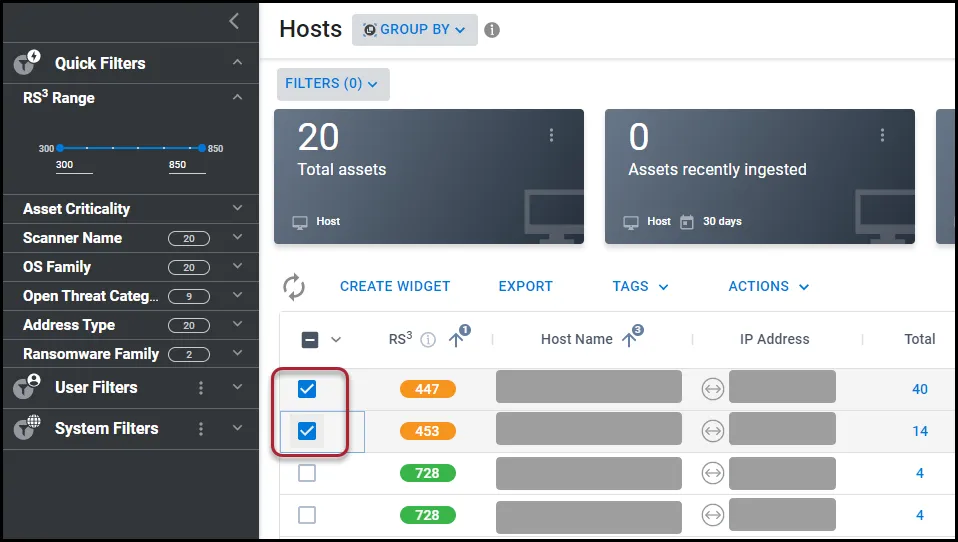
Select the host to delete by clicking the check box in the page’s first column. You may select several hosts at a time for deletion.
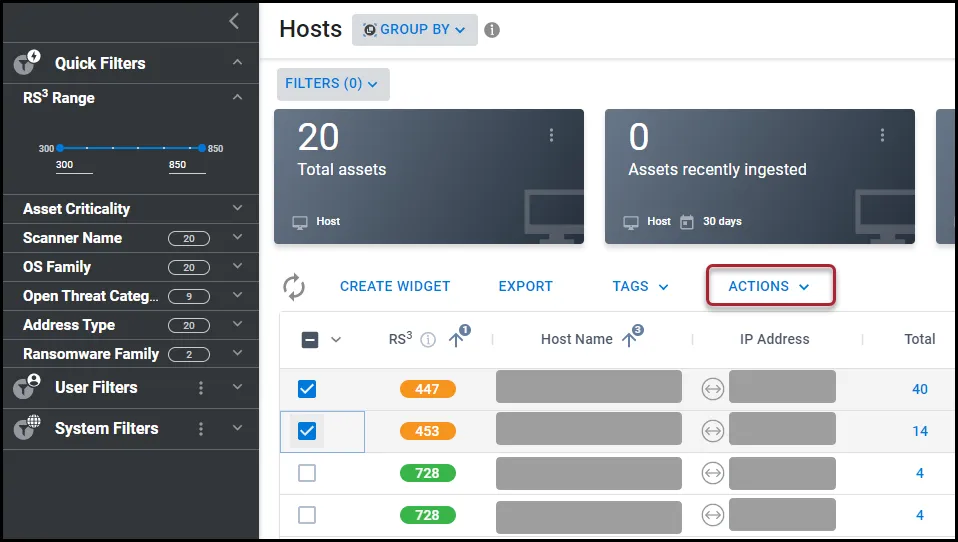
Click the Actions button.
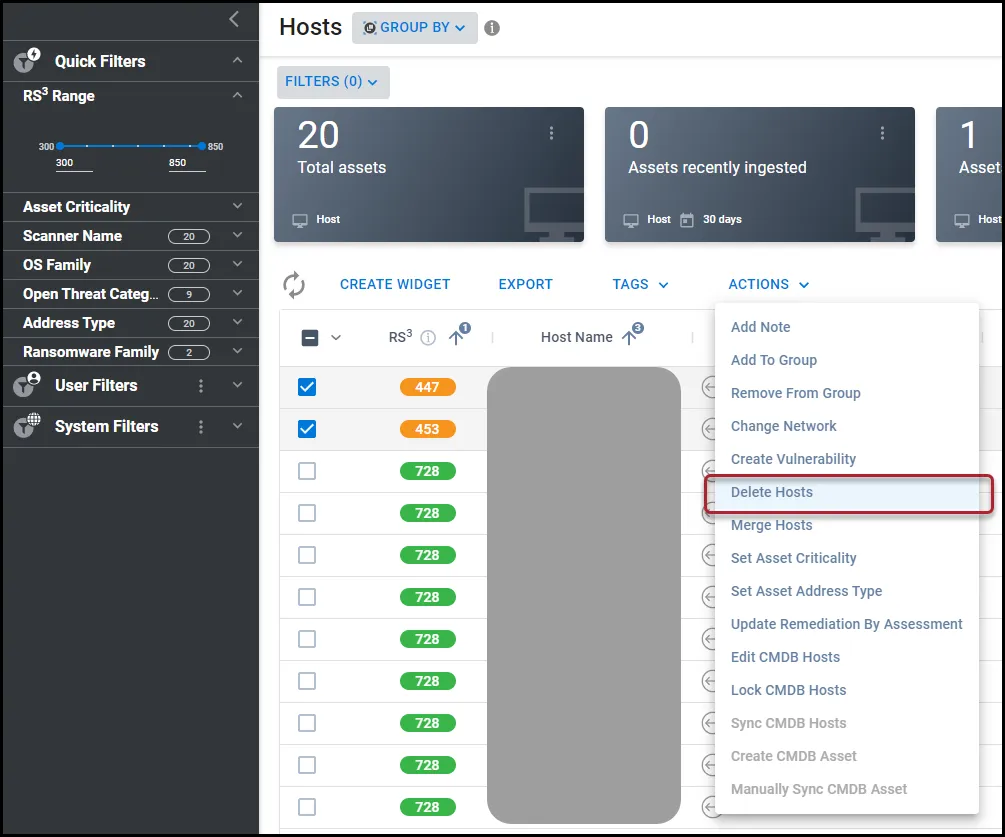
In the Actions drop-down menu, select Delete Hosts.
In the Delete Hosts window, click Yes.
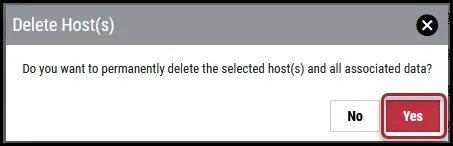
This deletes the host(s) from the platform.