
Creating an Application
2 min
Summary: How to create an application Ivanti Neurons RBVM/ASPM/VULN KB.
Users need the IAM privilege Application Control to create an application.
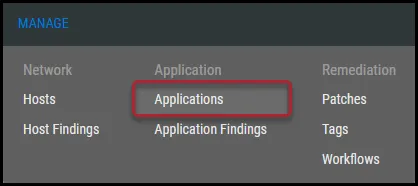
To create an application, navigate to the Manage > Applications page.
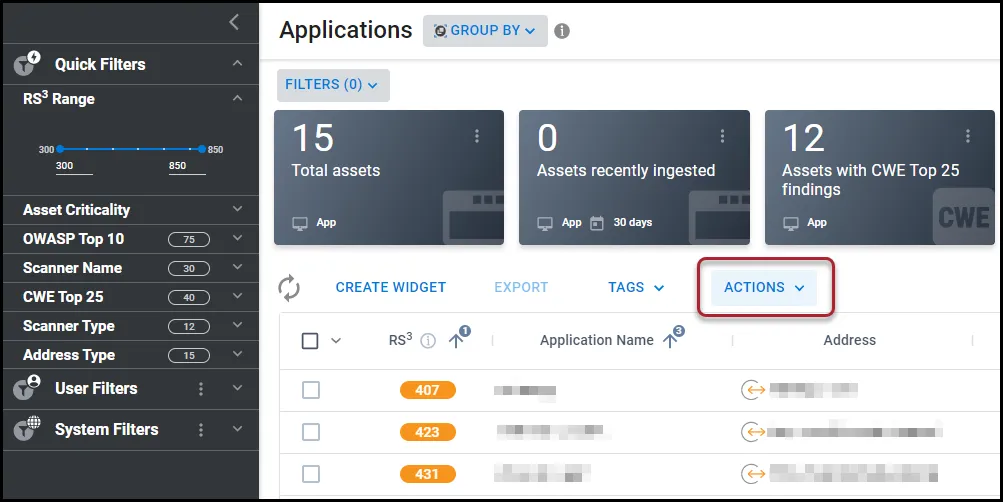
On the Applications page, click Actions.
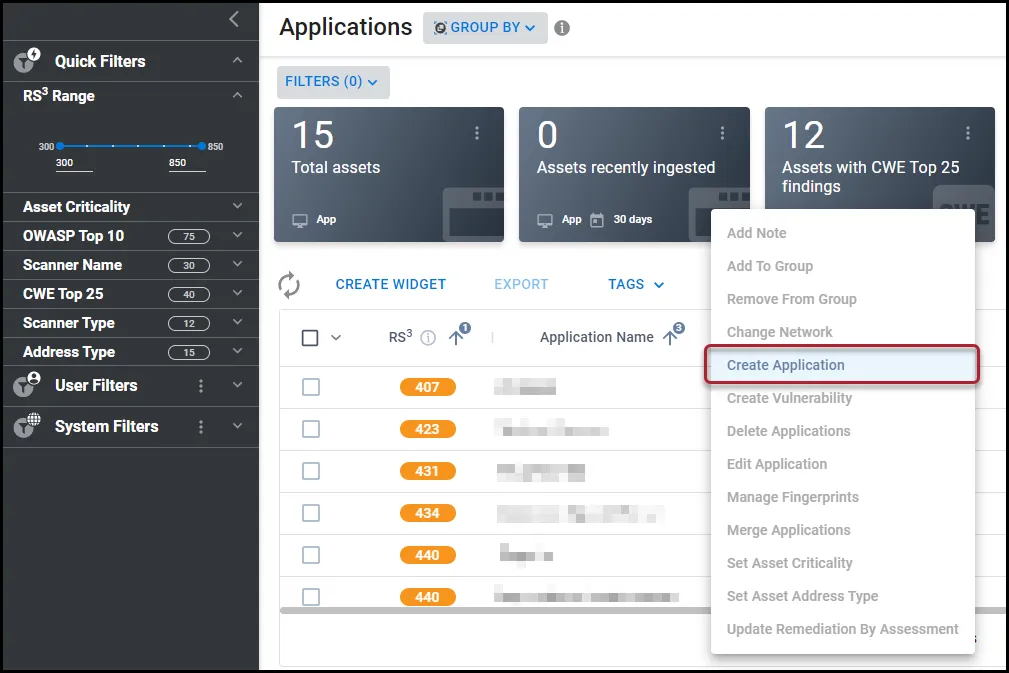
In the Actions drop-down menu, click Create Application.
In the Create Application window, complete the following fields.
- Group: Select the groups to which this application will belong. You can select more than one group.
- Network: The network for this application.
- Application Name: The application’s name.
- Application Address: The application’s address.
- Set Application Criticality: The application’s criticality, with 1 being the least critical and 5 being the most critical.
- Set Asset Address Type: Select whether the asset address type is internal or external.
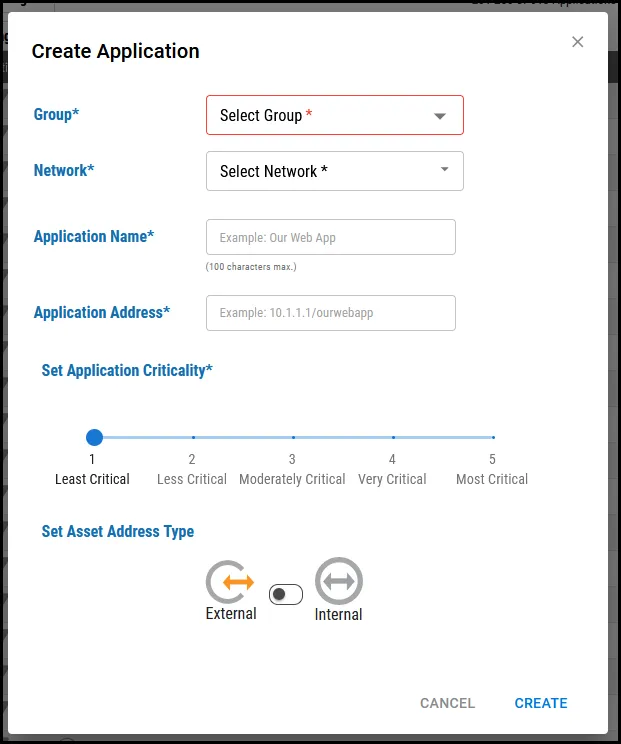
Once you complete the required fields, click Create. This action creates the application.